The iCreateOFX Basic v4 License screen.
NOTE: This version of the program is no longer maintained nor supported. For new users, please use the currently supported versions.
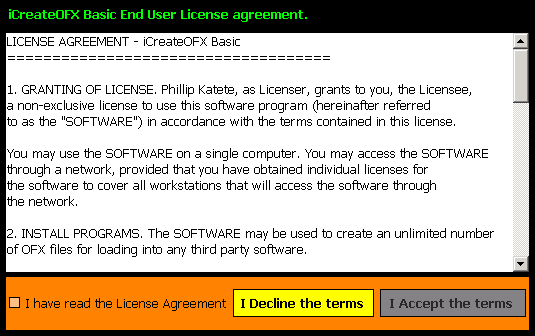
Please take a while to read through the terms specified there-in. After reading through, confirm that you have read the license by selecting the check-box to the bottom left of the license screen.
If you are satisfied with the terms accept them to proceed, otherwise decline the terms and un-install the software. The remainder of this guide will only be relevant to you if you have accepted the terms.